



OrderlyEmails - Recommended Products
This collection is used by the OrderlyEmails app, to make product recommendations in your notification emails, which automatically update over time.
- This service is currenty provided for FREE, with any theme purchase.
- Recommended products shown in your email are automatically updated every 4 hours, to match this collection.
- By default, your Best-Selling products (that are in stock & not already purchased) will be recommended.
- You can modify the rules below to change which products are recommended. Products at the top of the list are more likely to be shown.
- To enable/disable recommendations in your emails, login to the OrderlyEmails app (Shopify Admin -> Apps) and add the "Recommended products" section to an email in the editor.
Note: This collection is "hidden", it is not be visible on your website.
- Princess
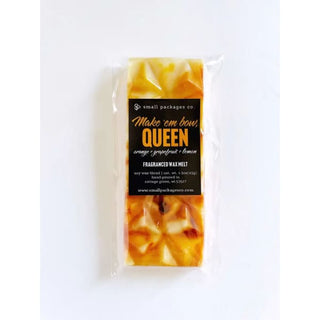
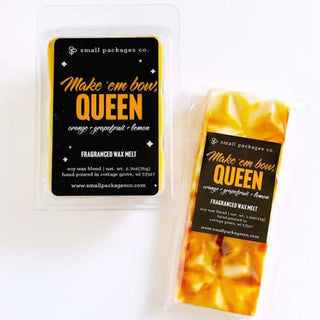
- Queen
- Empress
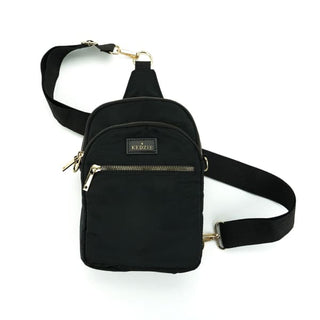
Kedzie Roundtrip Convertible Sling & Crossbody
Regular price
$47.24
$35.65
Sale
- Unit price
- /per
3 colors
- Hedgehog
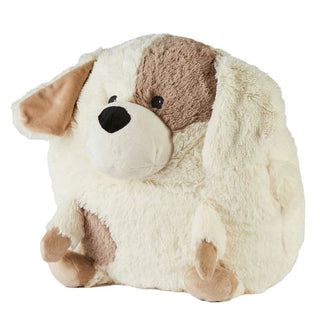
- Puppy
- Bear
- Hamster
- Cat
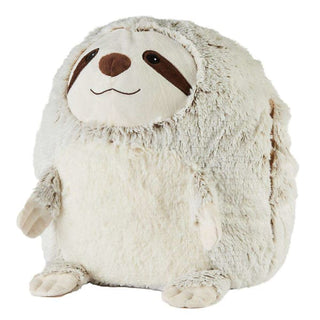
- Sloth
- Snowman
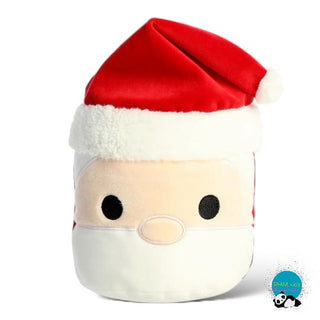
- Santa
- Reindeer
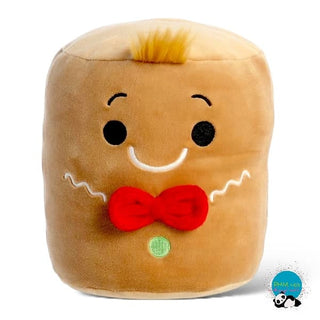
- Gingerbread
- Santa
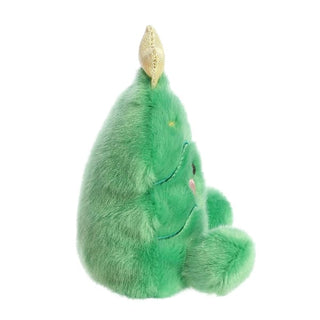
- Jubilee Tree
- Frosty
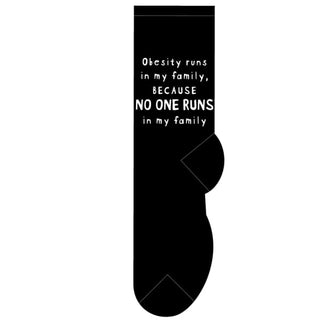
Obesity Runs in My Family, Because No One Runs in My Family
Regular price
$10.49
$3.05
Sale
- Unit price
- /per
- Rudy the Reindeer
- Powder the Snowman
- Tinsel the Elf
- Santa
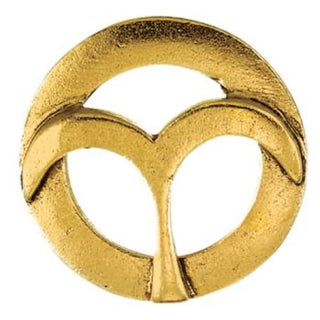
- Aries
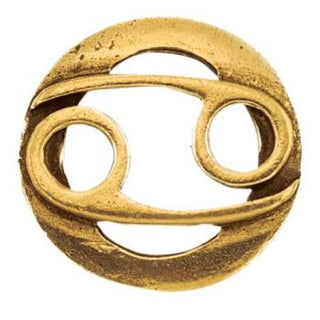
- Cancer
- Capricorn
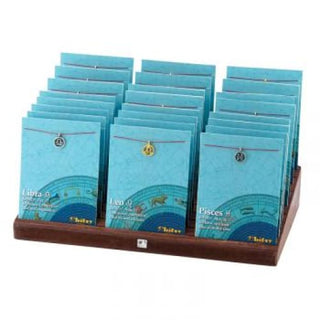
- Leo
- Libra
- Pisces
- Sagittarius
- Taurus
- Virgo
- January
- February
- March
- April
- May
- June
- July
- August
- September
- October
- November
- December
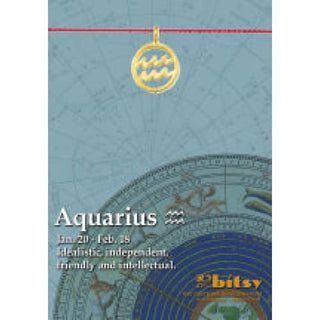
- Aquarius
- Aries
- Cancer
- Capricorn
- Gemini
- Leo
- Pisces
- Sagittarius
- Scorpio
- Virgo
This collection is used by the OrderlyEmails app, to make product recommendations in your notification emails, which automatically update over time.
- This service is currenty provided for FREE, with any theme purchase.
- Recommended products shown in your email are automatically updated every 4 hours, to match this collection.
- By default, your Best-Selling products (that are in stock & not already purchased) will be recommended.
- You can modify the rules below to change which products are recommended. Products at the top of the list are more likely to be shown.
- To enable/disable recommendations in your emails, login to the OrderlyEmails app (Shopify Admin -> Apps) and add the "Recommended products" section to an email in the editor.
Note: This collection is "hidden", it is not be visible on your website.